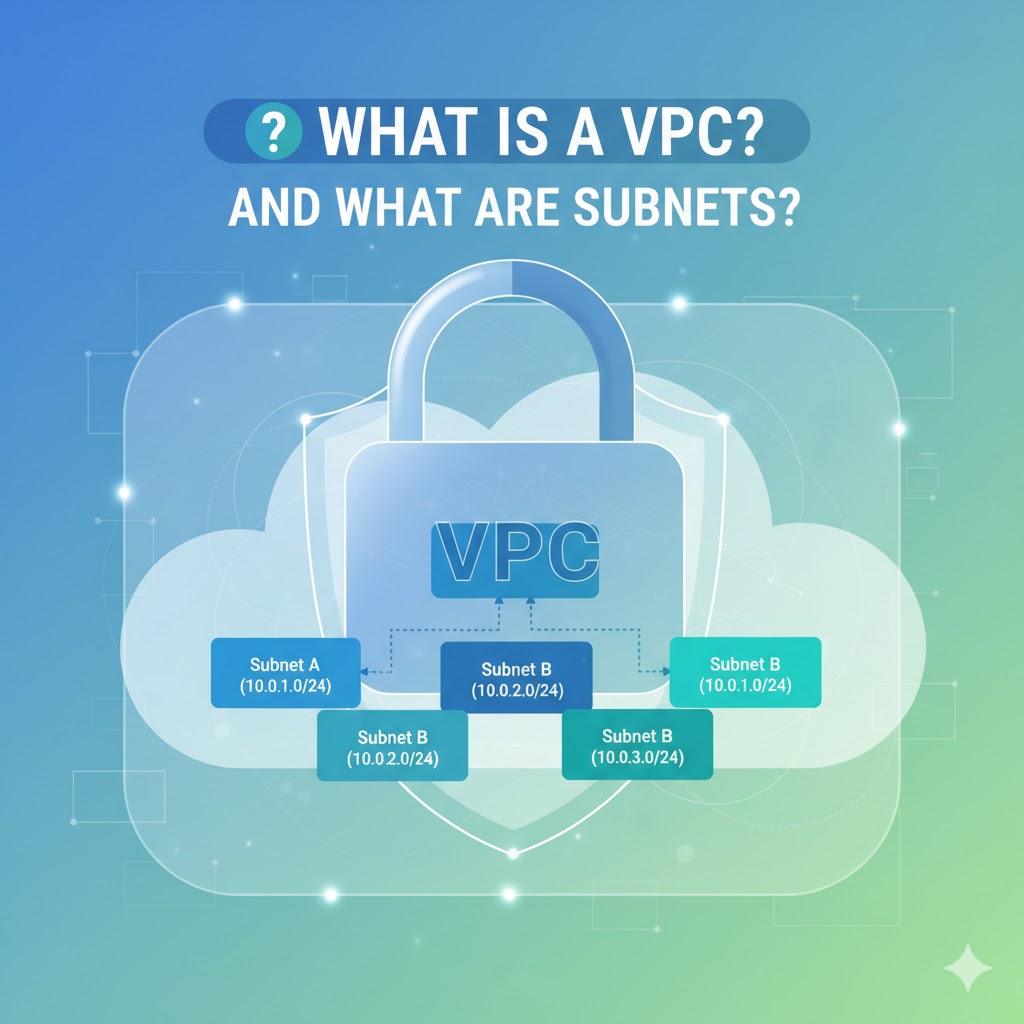
If you’re new to cloud networking, VPC and subnets can sound scary. Good news: they’re just ways to carve out and organize your own private slice of a cloud provider’s network so your apps can talk to each other (and the internet) safely.
Quick Definitions
- VPC (Virtual Private Cloud): Your own isolated network inside a cloud provider (like AWS, Azure, or GCP). Think of it as a private neighborhood with your rules, addresses, and gates.
- Subnet (Sub-network): A smaller segment inside your VPC. Imagine dividing your neighborhood into separate streets or blocks. Each block has its own address range and purpose.
Why Use a VPC?
- Isolation & Security: Your resources (servers, databases, containers) live in a private space.
- Control: You choose IP address ranges, routing rules, and access paths.
- Scalability: Easily add more subnets, gateways, or routes as you grow.
- Compliance: Keep sensitive systems private while exposing only what’s needed.
How IP Addresses Fit In (CIDR Blocks)
When you create a VPC, you choose an IP range using CIDR notation (e.g., 10.0.0.0/16).
- That example gives you ~65,000 private IPs to split among subnets.
- A subnet might be
10.0.1.0/24(about 256 IPs) and another10.0.2.0/24, and so on.
Tip: Use private ranges like 10.0.0.0/8, 172.16.0.0/12, or 192.168.0.0/16.
Public vs. Private Subnets (The Most Common Pattern)
- Public Subnets:
- Have a route to the internet via an Internet Gateway (IGW).
- Used for resources that must be reachable from the internet (e.g., a public web server or load balancer).
- Private Subnets:
- No direct internet route.
- Used for internal components like databases, app servers, or caches.
- If they need outbound internet (for updates), they go through a NAT Gateway/Instance in a public subnet.
Analogy: Public streets have gates that open to the outside world. Private cul-de-sacs are closed off—residents can go out through a guarded exit (NAT), but outsiders can’t come in directly.
Key Pieces that Make It Work
- Route Tables: Maps that tell traffic where to go (e.g., “internet-bound traffic uses IGW”).
- Internet Gateway (IGW): The door from your VPC to the public internet (for public subnets).
- NAT Gateway/Instance: Lets private resources initiate outbound internet access without being directly reachable from the internet.
- Security Groups: Instance-level firewalls (stateful). You allow inbound/outbound rules like “allow HTTP from load balancer.”
- Network ACLs (NACLs): Subnet-level rules (stateless). Often used as an extra layer of control.
Simple Example
Let’s say you host a basic web app:
- VPC:
10.0.0.0/16 - Public Subnet:
10.0.1.0/24- Contains a load balancer and a NAT Gateway
- Route table points internet traffic to the IGW
- Private Subnet:
10.0.2.0/24- Contains application servers and a database
- Route table sends outbound traffic to the NAT Gateway (no direct internet)
Flow: Users → Load Balancer (public subnet) → App Servers (private) → Database (private). App servers can fetch updates from the internet via NAT, but the database stays fully private.
Designing a VPC in 5 Steps
- Pick a CIDR range big enough for growth (e.g.,
10.1.0.0/16). - Plan subnets by role and availability zone (e.g., public
10.1.1.0/24, private10.1.2.0/24). - Create route tables and attach them to the right subnets.
- Add gateways: IGW for public access, NAT for private outbound access.
- Harden with security: Security groups for instances; NACLs for subnet policies.
Common Gotchas (and How to Avoid Them)
- Overlapping IPs: Don’t overlap with on-prem networks if you plan a VPN later.
- Too-small subnets: Leave room for scaling;
/24is a friendly default for many teams. - Missing routes: If something can’t connect, check the subnet’s route table first.
- Over-permissive rules: Start tight (least privilege) and open only what’s needed.
TL;DR
A VPC is your private cloud network. Subnets are the organized slices within it—usually split into public (internet-facing) and private (internal-only). With the right routes, gateways, and security rules, you get a safe, scalable foundation for your apps.
 WEBRONAQ.COM