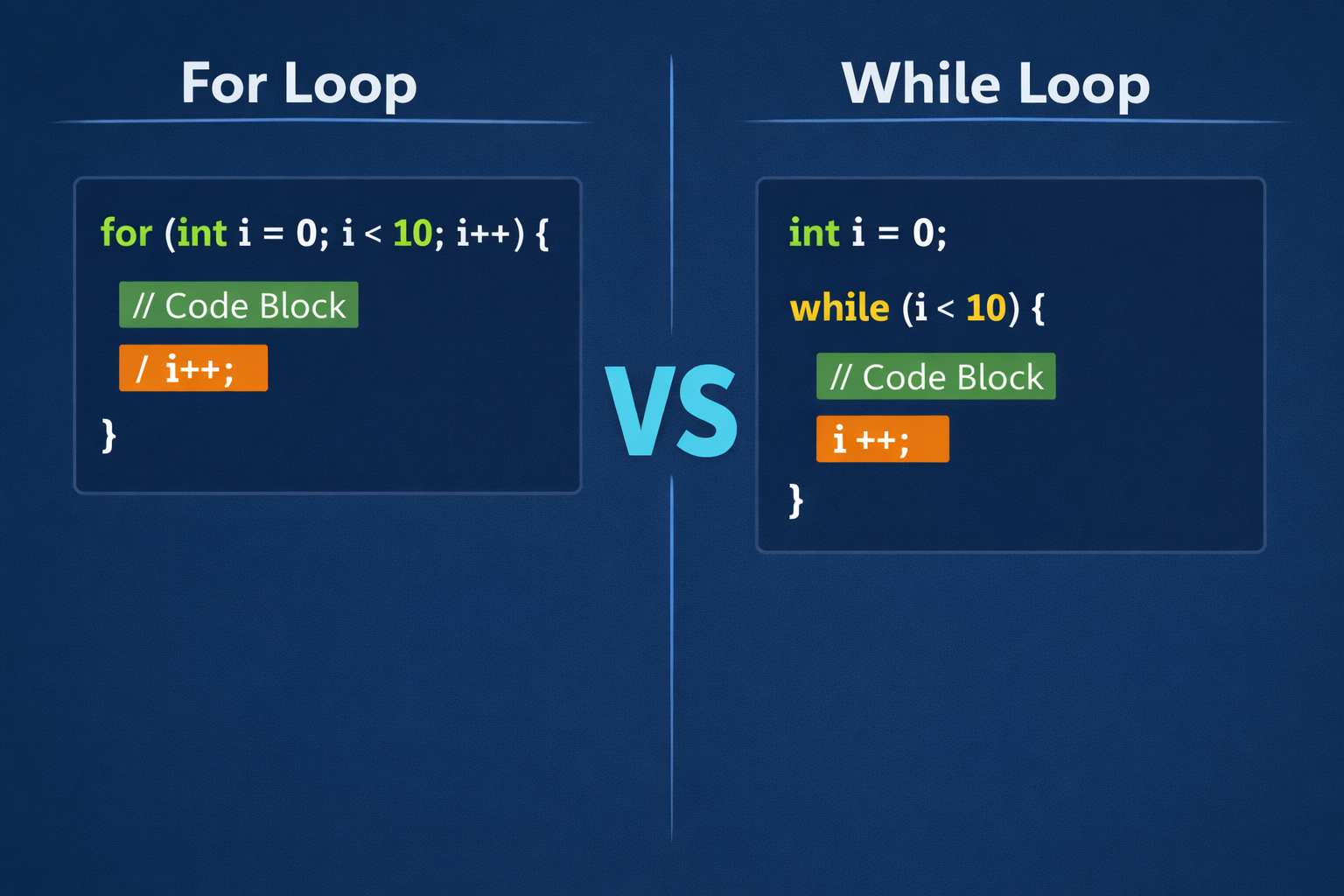
If you are learning C programming, you will quickly run into a situation where you need to repeat the same block of code multiple times. That is where loops come in. C gives you two main options for this: the for loop and the while loop. Both do the same basic job — they repeat code — but they work differently and are best suited for different situations.
This article explains the difference between the two, when to use each one, and shows you clear examples so you can decide which loop to reach for in your own programs.
What Is a For Loop?
A for loop is used when you know exactly how many times you want to repeat something. It packs three things into one line: where to start, when to stop, and how to move forward.
Here is its structure:
for (initialization; condition; update) { // code to repeat}
Example — Print numbers 1 to 5:
<stdio.h>int main() { int i; for (i = 1; i <= 5; i++) { printf("%d\n", i); } return 0;}
Output:
12345
The loop starts at i = 1, runs as long as i <= 5, and adds 1 to i after each run. Clean, compact, and predictable.
For a deeper look at how for loops work with real examples — including how to calculate the average marks of students — check out this beginner’s guide: How to Use a For Loop in C Programming.
What Is a While Loop?
A while loop is used when you do not know in advance how many times the loop should run. It keeps repeating as long as a condition remains true. The moment the condition becomes false, it stops.
Here is its structure:
while (condition) { // code to repeat}
Example — Print numbers 1 to 5 using a while loop:
<stdio.h>int main() { int i = 1; while (i <= 5) { printf("%d\n", i); i++; } return 0;}
The output is the same as the for loop example above. But notice the difference: the initialization (int i = 1) happens before the loop, and the update (i++) happens inside the loop body. The while loop does not bundle these steps together the way a for loop does.
Key Differences Between For and While Loops
| Feature | For Loop | While Loop |
|---|---|---|
| Best used when | You know the number of repetitions | You don’t know the number of repetitions |
| Initialization | Inside the loop header | Before the loop |
| Update step | Inside the loop header | Inside the loop body |
| Readability | More compact | More flexible |
| Risk of infinite loop | Lower (update is visible) | Higher if update is forgotten |
A Practical Example: Reading User Input
Here is where the while loop really shines. Imagine you want to keep asking a user to enter a positive number, and only stop when they do.
<stdio.h>int main() { int num = -1; while (num <= 0) { printf("Enter a positive number: "); scanf("%d", &num); } printf("You entered: %d\n", num); return 0;}
You have no way of knowing how many times the user will enter a wrong value. It could be once, it could be ten times. The while loop handles this perfectly because it just keeps going until the condition is satisfied.
Trying to do this with a for loop would be awkward and unnatural. This is the clearest sign that while loops exist for a reason.
When to Use a For Loop
Use a for loop when:
- You are working with arrays or lists and need to visit each element
- You are counting from one number to another
- The number of repetitions is fixed or can be calculated before the loop starts
Example: Adding up marks for exactly 5 students is a perfect job for a for loop. You know there are 5 students, so you loop exactly 5 times.
When to Use a While Loop
Use a while loop when:
- You are waiting for a condition to change (like user input or a file to finish)
- The number of repetitions depends on something that happens during the program
- You are building a game loop, a menu system, or a retry mechanism
Example: A simple login system that keeps asking for a password until the correct one is entered is a classic while loop situation.
The Do-While Loop: A Quick Mention
C also has a third option called the do-while loop. It is like the while loop, but it always runs at least once before checking the condition.
do { // code runs at least once} while (condition);
This is useful when you want to show a menu and then check whether to show it again. The menu must appear at least once, so do-while fits perfectly.
Common Mistakes to Avoid
1. Forgetting to update the counter in a while loop If you forget i++ inside a while loop, the condition never becomes false, and your program freezes. This is called an infinite loop.
2. Off-by-one errors Using <= vs < can mean the difference between looping 5 times or 6 times. Always double-check your condition.
3. Using a while loop where a for loop is cleaner Both loops can technically do the same job. But using a while loop for a simple counting task makes your code harder to read. Stick to the tool that fits the job.
Summary
The for loop and the while loop both repeat code, but they serve different purposes. The for loop is best when you know exactly how many repetitions you need. The while loop is best when the number of repetitions depends on something that happens during the program itself.
Understanding when to use each one is a key step in becoming a confident C programmer. Start by practicing both in small programs, and the right choice will start to feel natural quickly.
For more beginner-friendly programming tutorials, visit the YouTube channel where complex concepts are broken down into simple, easy-to-follow lessons.