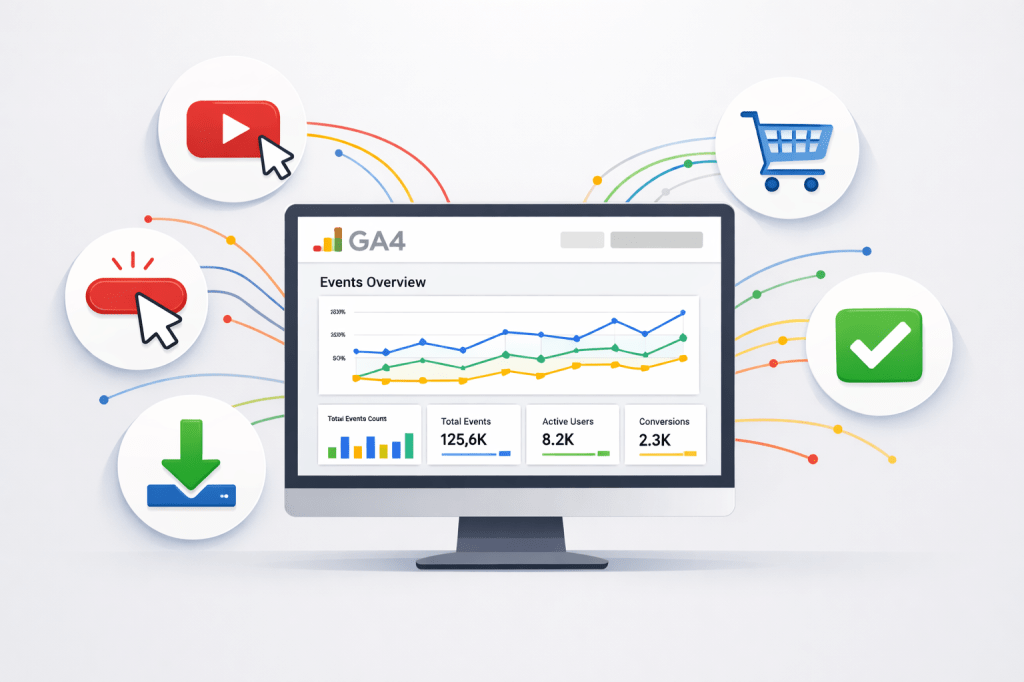
If you have ever wondered how websites know which buttons people click, which videos they watch, or where they drop off during checkout, the answer is event-based tracking. It is one of the most important concepts in modern digital marketing, and in 2026, it sits at the heart of Google Analytics 4 (GA4).
I am Shafaat Ali, and in this article, I will explain what event-based tracking is, why it matters, how it works in GA4, and how you can use it to make smarter marketing decisions. I will keep things simple and use real examples so everything clicks.
The Old Way: Session-Based Tracking
Before we talk about event-based tracking, let me quickly explain what came before it. The older version of Google Analytics, called Universal Analytics, used a session-based model. A session was like a container. When someone visited your website, a session started, and everything they did during that visit was grouped inside it — page views, clicks, purchases, everything.
The problem was that this model was rigid. It treated every visit as one block. If a user visited your site on their phone in the morning and then came back on their laptop at night, those were two completely separate sessions. The system struggled to connect the dots between those visits. It also had limited flexibility when it came to tracking specific actions beyond basic page views.
What Is Event-Based Tracking?
Event-based tracking is a different approach. Instead of grouping everything into sessions, it treats every single user interaction as its own independent data point, called an event. A page view is an event. A button click is an event. A video play is an event. A file download is an event. A purchase is an event. Everything the user does is captured individually.
This gives you a much more detailed and flexible picture of how people actually interact with your website or app. You are no longer limited to knowing that someone visited three pages. You now know they scrolled 75% of the first page, clicked a call-to-action button, watched 40 seconds of a product video, and then added an item to their cart.
That level of detail changes everything for a marketer.
How Event-Based Tracking Works in GA4
Google Analytics 4 is built entirely on the event-based model. The moment you install GA4 on your website, it begins capturing events automatically. These automatically collected events include things like page views, first visits, session starts, and user engagement.
Beyond automatic events, GA4 also offers enhanced measurement events. These are slightly more specific interactions that GA4 tracks without you writing any code, as long as you enable the feature. Examples include scroll tracking, outbound link clicks, site search activity, video engagement, and file downloads.
Then there are recommended events. Google provides a list of event names that follow a standard naming convention for common business actions. For example, if you run an online store, Google recommends you use event names like “add_to_cart,” “begin_checkout,” and “purchase.” Using these standard names unlocks built-in reports and features inside GA4 that you would not get with random custom names.
Finally, there are custom events. These are events you define yourself for interactions that are unique to your business. For instance, if you have a calculator tool on your website and you want to know how many people click the “Calculate” button, you would create a custom event for that specific action.
Real Examples of Event-Based Tracking in Action
Let me give you a few practical examples so you can see how this works in the real world.
Example 1: Tracking a Lead Form. Suppose you run a consulting business and your website has a contact form. With event-based tracking, you can track every time someone submits that form as a “generate_lead” event. You can then mark this event as a conversion in GA4, which means GA4 will treat it as a primary business goal and show you exactly which marketing channels are driving those form submissions.
Example 2: Monitoring Video Engagement. Let us say you have a product demo video on your landing page. GA4’s enhanced measurement can automatically track when users start the video, when they reach 25%, 50%, and 75% progress, and when they complete it. If you notice that most users stop watching at the 30-second mark, that is a clear signal to shorten or improve your video.
Example 3: Measuring E-Commerce Actions. If you sell products online, event-based tracking lets you follow the entire purchase journey. You can track when someone views a product, adds it to their cart, begins the checkout process, and completes the purchase. If you see a big drop between “add_to_cart” and “begin_checkout,” you know your checkout experience needs work.
Why Event-Based Tracking Matters for Digital Marketers
The shift to event-based tracking is not just a technical upgrade. It fundamentally changes how you understand your audience. Here is why it matters.
First, it gives you flexibility. You decide what matters to your business and track exactly those interactions. You are not locked into a rigid structure.
Second, it works across platforms. GA4 can track events from both your website and your mobile app in one single property. This means you get a unified view of user behavior regardless of where the interaction happens.
Third, it powers smarter marketing. When you combine event data with GA4’s machine learning capabilities, you unlock predictive metrics. GA4 can identify users who are likely to purchase in the next seven days or users who are likely to stop visiting your site. You can then build audiences based on these predictions and use them in your Google Ads campaigns for better targeting.
If you want a deeper look at how GA4 fits into your overall digital marketing strategy, I recommend reading my detailed guide on how to use Google Analytics 4 for digital marketing in 2026. It covers everything from setting up your GA4 property to using AI-powered insights and predictive audiences.
Getting Started with Event-Based Tracking
If you are new to this, start with the basics. Install GA4, enable enhanced measurement, and let the automatic events flow in. Then, review Google’s list of recommended events and implement the ones relevant to your business using Google Tag Manager. Once you are comfortable, start creating custom events tailored to your unique goals.
The key is to be intentional. Do not track everything just because you can. Focus on the events that align with your business objectives and help you answer the questions that actually matter.
For more resources on digital marketing, analytics, and building practical skills, you can explore my books on Apple Books or subscribe to my YouTube channel for video tutorials. You can also connect with me on LinkedIn or X.
 WEBRONAQ.COM