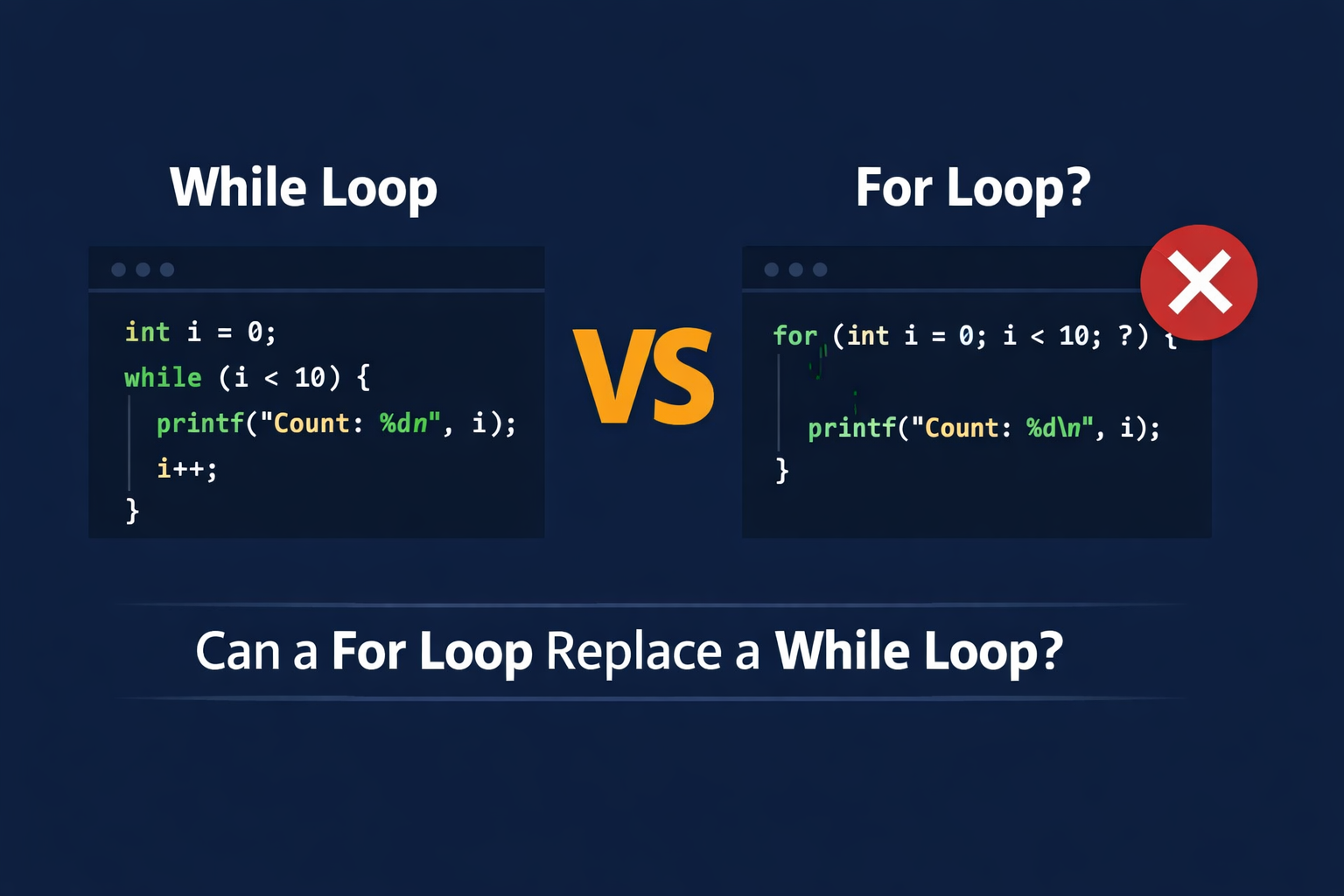
When I first started teaching C programming, one of the most common questions my students asked was: “Can I just use a for loop instead of a while loop here?” It is a fair question, and I am going to answer it thoroughly in this article.
I will take a real C program that uses a while loop for input validation, break it down line by line, and then explore whether we can rewrite it using a for loop. Along the way, you will learn why one loop fits certain situations better than the other, and why understanding this difference is a key step in writing clean, readable C code.
The Original Program
Here is the program we are going to analyze:
<stdio.h>int main() { int num = -1; while (num <= 0) { printf("Enter a positive number: "); scanf("%d", &num); } printf("You entered: %d\n", num); return 0;}This program does one simple job: it keeps asking the user to enter a positive number until they actually do. If they type zero or a negative number, it asks again. Once a positive number is entered, it prints that number and exits.
Now let me walk you through every line.
Line-by-Line Breakdown
#include <stdio.h> — This line tells the C compiler to include the Standard Input/Output library. Without it, the program cannot use printf to display messages or scanf to read input from the keyboard. Think of it as importing a toolbox before you start building.
int main() { — This is the starting point of every C program. The word int means the function will return an integer value when it finishes. The main function is the first function the operating system calls when you run your program.
int num = -1; — This line creates a variable called num and gives it the initial value of -1. I set it to -1 on purpose. Since -1 is not a positive number, the while loop condition (num <= 0) will be true when the program first reaches the loop. This guarantees the loop runs at least once and prompts the user for input.
while (num <= 0) { — This is where the loop begins. The while loop checks the condition inside the parentheses before every iteration. If num is less than or equal to zero, the loop body executes. If num is greater than zero, the loop stops and the program moves to the next statement after the closing brace.
printf("Enter a positive number: "); — This line prints a prompt on the screen. It tells the user what kind of input the program expects. Without this, the user would just see a blinking cursor and have no idea what to type.
scanf("%d", &num); — This line reads an integer from the keyboard and stores it in the variable num. The %d tells scanf to expect a decimal integer. The & symbol before num gives scanf the memory address of the variable so it can place the value directly into it.
} — This closing brace marks the end of the while loop body. After this, the program jumps back to the condition (num <= 0) and checks it again.
printf("You entered: %d\n", num); — Once the user enters a positive number, the loop ends and this line runs. It displays the valid number the user entered.
return 0; — This tells the operating system that the program finished successfully. A return value of 0 is the standard way to signal that everything went well.
Can We Rewrite This Using a For Loop?
The short answer is: technically yes, but practically no.
A for loop in C has three parts packed into its header: initialization, condition, and update.
for (initialization; condition; update) { // code to repeat}The for loop is designed for situations where you know all three of these things before the loop starts. For example, if I want to print numbers from 1 to 10, I know where to start (1), when to stop (10), and how to move forward (add 1 each time). That is a clean, natural fit for a for loop.
But in our input validation program, there is no fixed update step. The value of num changes based on what the user types, not based on a predictable increment. There is no i++ happening here. The update depends entirely on unpredictable human input.
Here is what a forced for loop version might look like:
<stdio.h>int main() { int num; for (num = -1; num <= 0; ) { printf("Enter a positive number: "); scanf("%d", &num); } printf("You entered: %d\n", num); return 0;}Notice the empty third section in the for loop header. There is nothing after the second semicolon because there is no predictable update step. The value of num gets updated inside the loop body by scanf, not by a counter increment in the header.
This code will compile and run correctly. The C language allows you to leave any of the three parts of a for loop empty. But just because you can do something does not mean you should.
Why the For Loop Version Is a Bad Idea
There are three reasons why using a for loop here is a poor choice.
First, it confuses other programmers. When someone reads a for loop, they expect to see a counter, a boundary, and an update all in one line. An empty update section signals that something unusual is going on. It makes the reader stop and think about what the code is doing, which is the opposite of what clean code should do.
Second, it defeats the purpose of having two different loop types. The whole reason C provides both for loops and while loops is so that you can pick the right tool for the job. A for loop says “I know how many times to repeat.” A while loop says “I will keep going until something changes.” Input validation is clearly in the second category.
Third, it creates misleading expectations. A for loop implies a deterministic, bounded process. A user might enter negative numbers fifty times in a row. There is nothing bounded about that, and the for loop structure gives the wrong impression about the program’s behavior.
I covered the core differences between for loops and while loops in a detailed comparison article. If you are new to loops, I recommend reading that first, as it walks through when each loop type makes the most sense with clear examples.
A Better Alternative: The Do-While Loop
If there is one loop that fits this scenario even better than the while loop, it is the do-while loop.
<stdio.h>int main() { int num; do { printf("Enter a positive number: "); scanf("%d", &num); } while (num <= 0); printf("You entered: %d\n", num); return 0;}The do-while loop runs the body first and then checks the condition. This means we do not need to initialize num to -1. The loop will always ask for input at least once, which is exactly the behavior we want.
This is the most natural fit for input validation tasks. The program must ask for input at least once, so there is no need to use a dummy initial value just to force a while loop to enter its first iteration.
The Rule of Thumb
Here is how I decide which loop to use:
If I know exactly how many times the loop should run, I use a for loop. Counting through arrays, summing a fixed number of values, or printing a range of numbers are all for-loop jobs.
If I do not know how many times the loop should run and the decision depends on what happens inside the loop, I use a while loop or a do-while loop. Reading user input, waiting for a sensor reading, or processing data until a special marker appears are all while-loop jobs.
This is not just my personal preference. It is a widely accepted convention in C programming, and following it makes your code easier for others to read, maintain, and debug.
Key Takeaways
The while loop in our program keeps asking the user for a positive number until they provide one. Every line in the program serves a clear purpose, from including the standard library to returning zero at the end.
Technically, you can replace the while loop with a for loop by leaving the update section empty. The program will still compile and produce the correct output. However, doing so makes the code harder to read and goes against the purpose of having different loop types in the first place.
Use for loops when the number of repetitions is known ahead of time. Use while or do-while loops when repetitions depend on a condition that changes unpredictably during execution. For input validation, the do-while loop is often the best choice because it guarantees at least one execution of the loop body without needing a dummy initial value.
The best programmers are not the ones who write the cleverest code. They are the ones who write code that other people can understand without effort.
For more programming tutorials explained in simple language, subscribe to my YouTube channel. If you want to explore books on programming, investing, business, and self-development, check out my collection on Apple Books. You can also connect with me on LinkedIn and X.