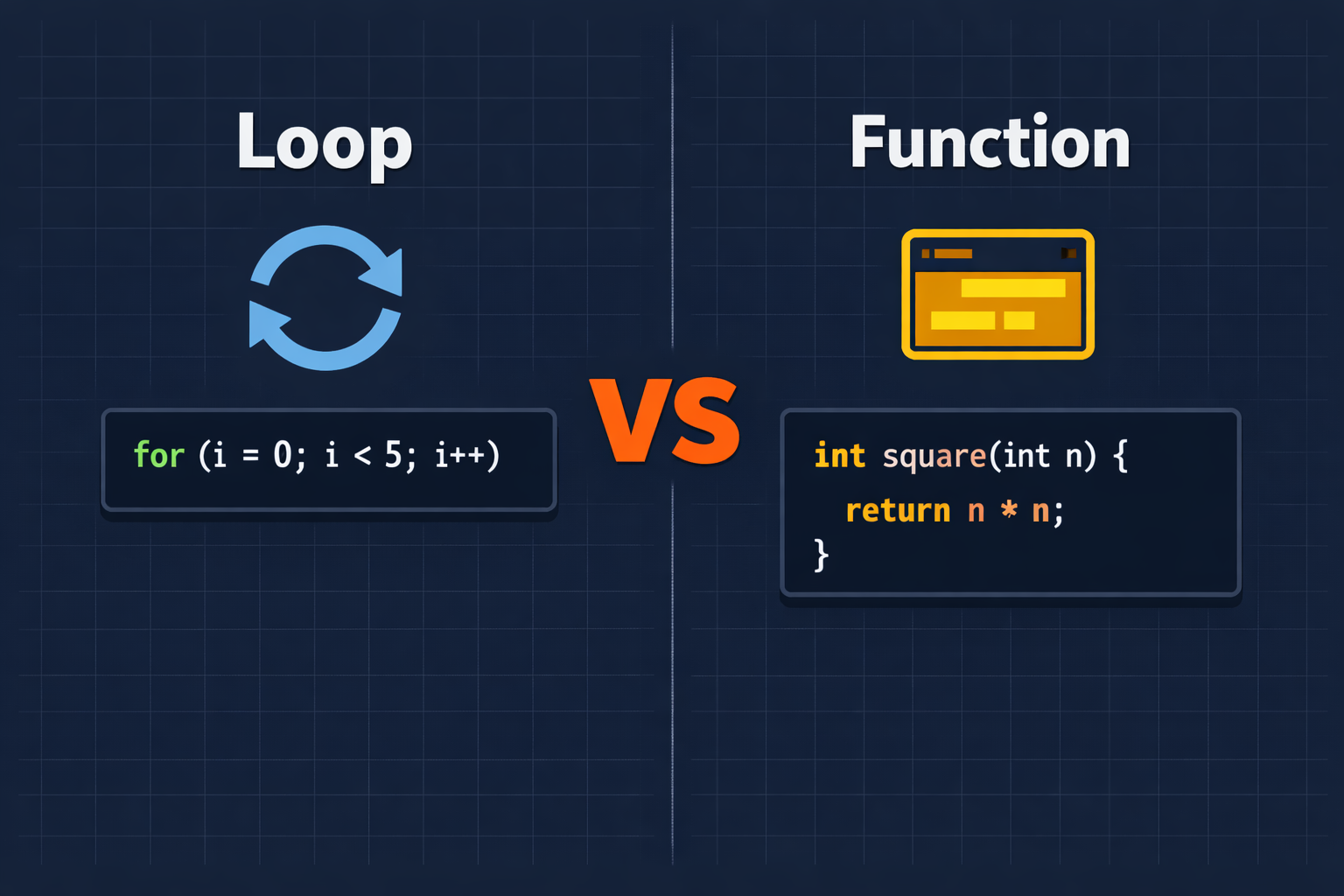
If you are learning C programming, two concepts will come up again and again: loops and functions. At first glance, both seem to do something similar — they let you avoid writing the same code over and over. But they are built for completely different purposes, and knowing when to use each one will make you a much cleaner, more confident programmer.
In this article, I am going to break down exactly what loops and functions are, how they differ, and show you real examples so the distinction becomes crystal clear.
What Is a Loop in C?
A loop is a tool that repeats a block of code multiple times. You use it when you need the same action to happen more than once — like printing 100 numbers, reading 50 student marks, or checking a user’s input repeatedly.
C gives you three types of loops: for, while, and do-while. Each one suits a slightly different situation, but they all share the same job: repeat code.
Here is a simple example using a for loop to print numbers 1 to 5:
<stdio.h>int main() { int i; for (i = 1; i <= 5; i++) { printf("%d\n", i); } return 0;}The loop runs five times and then stops. It does not have a name. You cannot call it from somewhere else in your program. It simply runs where it sits and then moves on.
If you want to go deeper into the difference between for and while loops with real examples, I have written a full breakdown here: For Loop vs While Loop in C Programming.
What Is a Function in C?
A function is a named, reusable block of code. You write it once, give it a name, and then call it whenever you need it — from anywhere in your program, as many times as you like.
C programs are built around functions. In fact, every C program starts with one: main(). But you can create your own functions to handle specific tasks.
Here is an example of a simple function that adds two numbers:
<stdio.h>int addNumbers(int a, int b) { return a + b;}int main() { int result = addNumbers(3, 7); printf("Sum: %d\n", result); return 0;}The function addNumbers is defined once. You can call it ten times with different values, and it will work every time without you writing the addition logic again and again.
The Core Difference: Repetition vs Reusability
This is the key distinction that most beginners miss:
- A loop repeats code at a single point in your program.
- A function lets you reuse code from multiple points in your program.
Think of it this way. A loop is like a machine that spins in place. A function is like a tool you pick up, use wherever you need it, and put back down.
| Feature | Loop | Function |
|---|---|---|
| Purpose | Repeat a block of code | Reuse a block of code |
| Has a name | No | Yes |
| Can be called from elsewhere | No | Yes |
| Can accept inputs | No | Yes (parameters) |
| Can return a value | No | Yes |
| Stops automatically | Yes (when condition is false) | Yes (when it hits return) |
A Practical Example: The Same Task, Two Ways
Let’s say you want to calculate the square of a number. Here is how you might do it with a loop versus a function.
Using a loop to print squares of 1 to 5:
<stdio.h>int main() { int i; for (i = 1; i <= 5; i++) { printf("Square of %d is %d\n", i, i * i); } return 0;}This works fine. But now imagine you need to calculate a square somewhere else in your program — inside another section of code. You would have to write the same logic again.
Using a function to calculate a square:
<stdio.h>int square(int n) { return n * n;}int main() { int i; for (i = 1; i <= 5; i++) { printf("Square of %d is %d\n", i, square(i)); } return 0;}Notice something interesting here: loops and functions work together beautifully. The loop handles the repetition. The function handles the calculation. Each tool does what it is best at.
Can a Loop Replace a Function?
No — not really. A loop can repeat code, but it cannot give that code a name, accept different inputs, or be called from multiple places. If you need to greet five users by name, a loop can iterate through the names. But the greeting logic itself is best placed in a function.
<stdio.h>void greetUser(char name[]) { printf("Hello, %s! Welcome to the program.\n", name);}int main() { char *names[] = {"Ali", "Sara", "Umar", "Zara", "Hassan"}; int i; for (i = 0; i < 5; i++) { greetUser(names[i]); } return 0;}Here the loop runs five times, and each time it calls the greetUser function. This is clean, organized, and easy to update. If you want to change how users are greeted, you only edit the function — not five separate lines of code.
When to Use a Loop
Use a loop when:
- You need to repeat an action a fixed number of times (use a
forloop) - You need to repeat an action until a condition changes (use a
whileloop) - You are processing items in a list, array, or sequence
- The repetition happens in one place in your code
When to Use a Function
Use a function when:
- You find yourself writing the same logic in two or more places
- A task is complex enough that it deserves its own name
- You want to test or change one piece of behavior without affecting the rest of your program
- Your
main()function is getting too long and hard to read
Good C programmers think of functions as building blocks. Each function does one thing well. Your main() function then simply calls those building blocks in the right order.
Key Takeaways
Loops and functions are both essential tools in C programming, and they are not in competition with each other — they are teammates. Loops handle repetition at a specific point in your code. Functions handle reusability across your entire program.
As your programs grow in size and complexity, you will naturally start combining both: loops that call functions, functions that contain loops, and functions that call other functions. That is exactly how professional C code is written.
If you want to explore more programming concepts explained in plain language, subscribe to my YouTube channel where I break down topics like this into simple, beginner-friendly lessons. You can also find my programming and learning eBooks on Apple Books, or connect with me on LinkedIn and X if you have questions or just want to follow along on the learning journey.